Which CLI tool manages an OpenShift cluster from the terminal?
Select an option, then click Submit answer.
- ○ oc command line tool
- ○ kubectl only plugin tool
- ○ podman desktop gui tool
- ○ helm package chart tool
Loading demo links...
Showing 1–12 of 12 questions
Which CLI tool manages an OpenShift cluster from the terminal?
Select an option, then click Submit answer.
What is an OpenShift project in cluster terms?
Select an option, then click Submit answer.
How are container images uniquely identified besides tags?
Select an option, then click Submit answer.
Which oc output option returns resource details as YAML?
Select an option, then click Submit answer.
What does filtering oc get output with labels achieve?
Select an option, then click Submit answer.
Which command shows recent cluster events in OpenShift?
Select an option, then click Submit answer.
Which are ways to examine cluster status? (Choose two.)
Select all that apply, then click Submit answer.
Which oc actions manage projects? (Choose two.)
Select all that apply, then click Submit answer.
Which identify a container image precisely? (Choose two.)
Select all that apply, then click Submit answer.
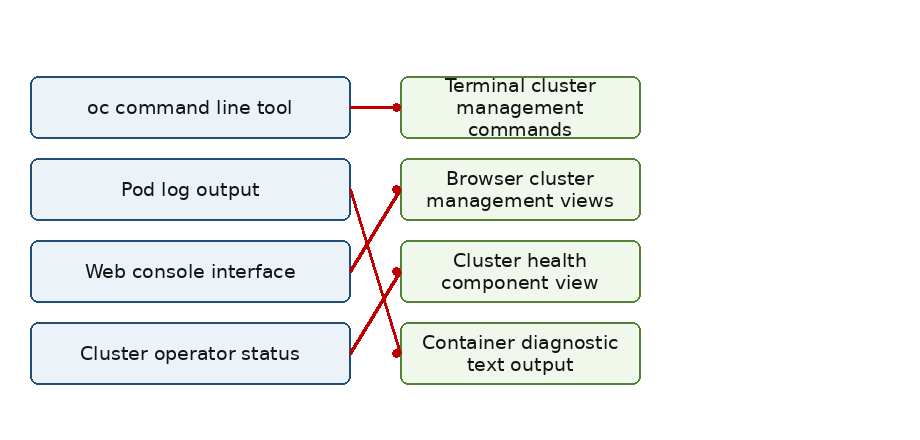
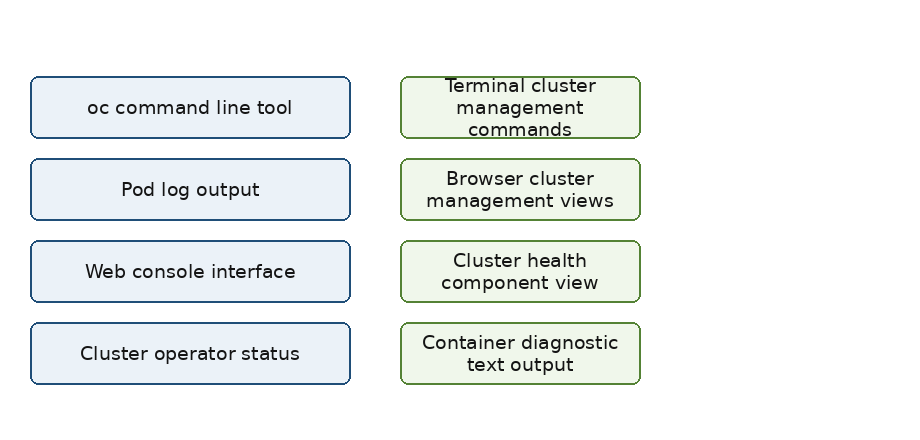
DRAG DROP
Match each OpenShift tool to its use.
Items to match: oc command line tool, Web console interface, Cluster operator status, Pod log output.

Answer is in the explanation below.
CORRECT TEXT
An OpenShift project is a Kubernetes ______ with extra annotations.
Answer is in the explanation below.
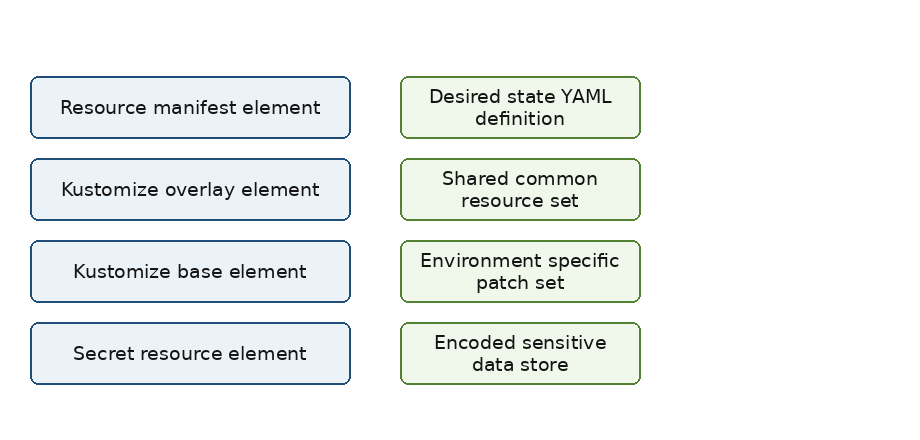
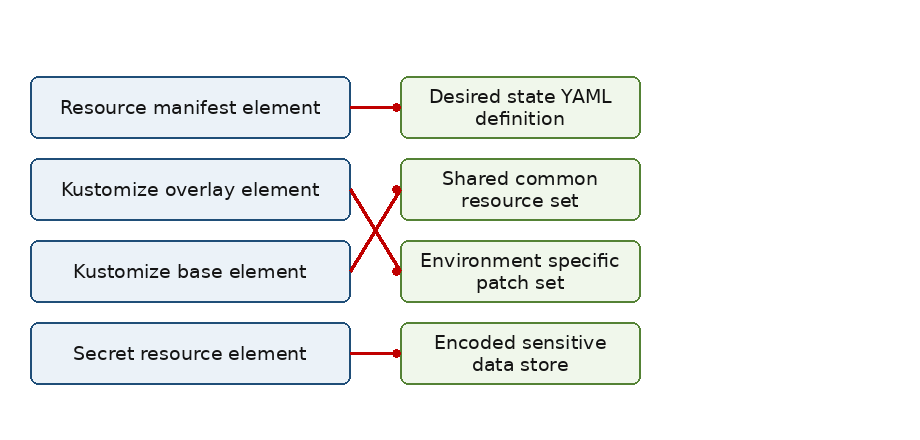
DRAG DROP
Match each declarative element to its role.
Items to match: Resource manifest element, Kustomize base element, Kustomize overlay element, Secret resource element.

Answer is in the explanation below.