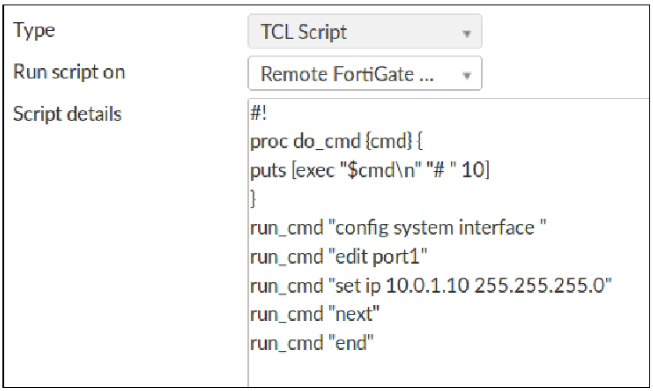
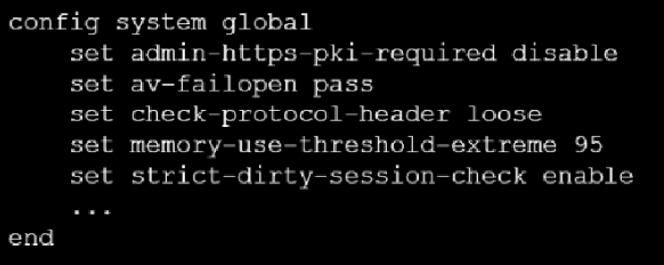
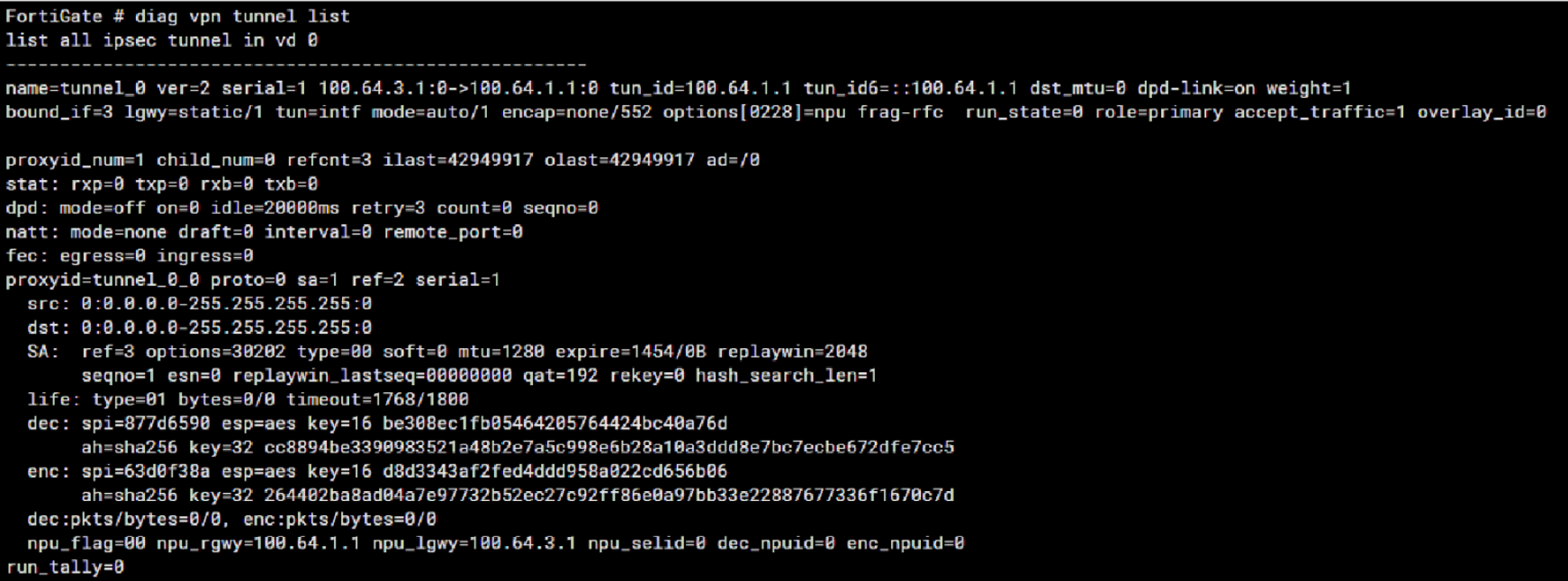
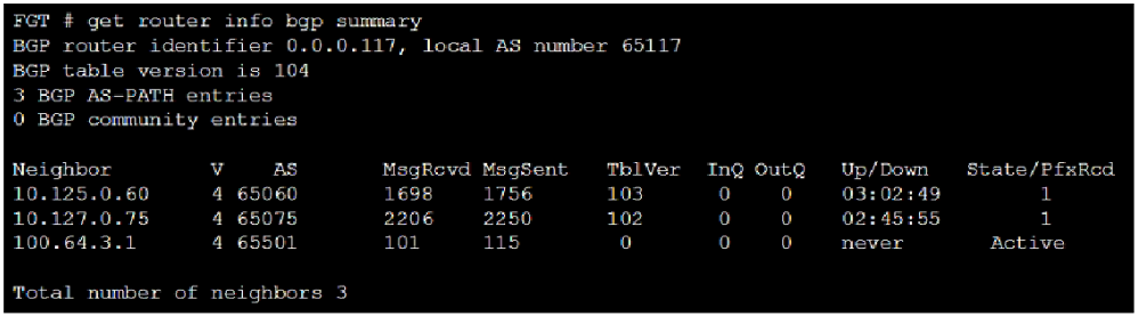
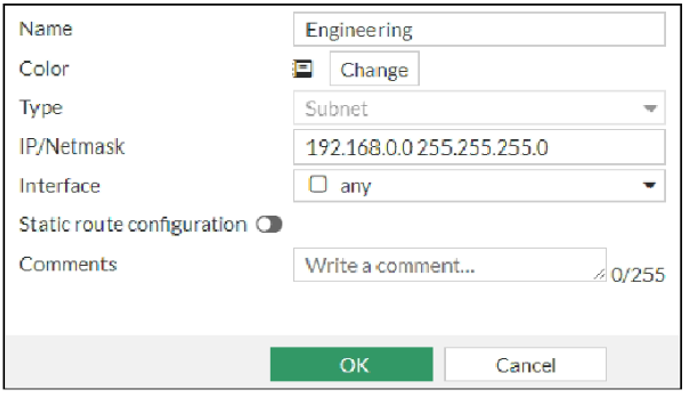
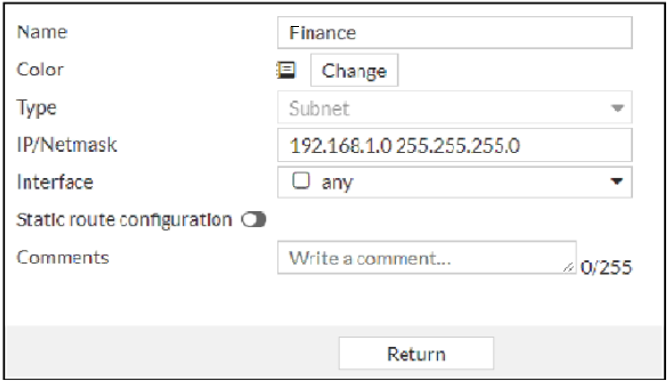
Refer to the exhibits, which show the configurations of two address objects from the same FortiGate. Engineering address object - Finance address object - Why can you modify the Engineering address object, but not the Finance address object?
Select an option, then click Submit answer.
Reference / correct answer:
FortiGate joined the Security Fabric and the Finance address object was configured on the root FortiGate.
Most accepted answer: C. FortiGate joined the Security Fabric and the Finance address object was configured on the root FortiGate.
Community votes: B=6, C=9, D=1
Selected Answer: C C is Correct B is not correct because "Workspace mode is available only through CLI mode: Pg. 25 in Enterprise_Firewall_7.2_Study_Guide-Online.pdf upvoted 8 times rac_sp 2 years, 1 month ago very true !! furthermore a warning message is shown to let the administrator know that the object is currently being configured in another workstpace transaction upvoted 2 times ...
very true !! furthermore a warning message is shown to let the administrator know that the object is currently being configured in another workstpace transaction upvoted 2 times
Selected Answer: C I made a mistake earlier and voted B as that made most sense at the time. After checking in my lab, C is the correct answer. You are indeed presented with only the "return" option on the object on a downstream device when trying to edit a Global fabric object created on the root device. upvoted 6 times
Selected Answer: C Security Fabric Configuration: When a FortiGate is part of a Security Fabric, address objects and other configurations can be synchronized across devices. If an address object (e.g., the Finance object) was created on the root FortiGate, it is synchronized downstream, and you cannot modify it on the downstream FortiGate. You can only modify such objects on the root FortiGate. Engineering Address Object: The Engineering address object is editable because it was created locally on the current FortiGate and is not synchronized from the root FortiGate. Why the Other Options Are Incorrect: A. You have read-only access: If this were the case, you wouldn’t be able to modify the Engineering object either. B. Another user is editing the Finance address object in workspace mode: In such a scenario, the interface would indicate that the object is locked due to workspace editing. D. FortiGate is registered on FortiManager: While FortiManager can push configurations, the question and behavior are specific to Security Fabric synchronization, not FortiManager. upvoted 1 times
Selected Answer: B Leer pagina 25 del libro FW 7.2 upvoted 1 times