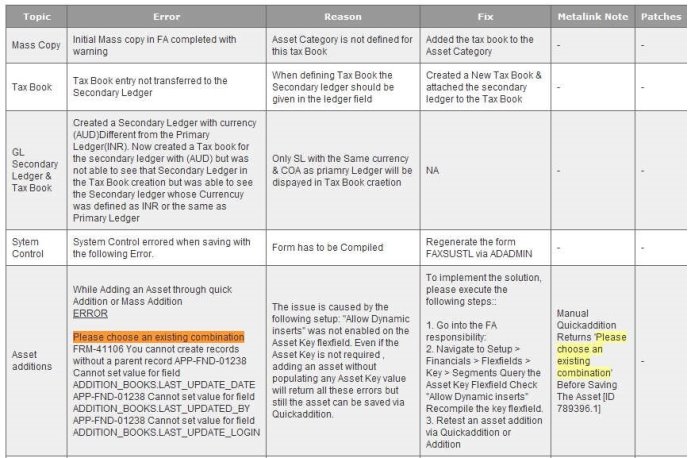
You are trying to update Special Information Type (SIT) (Navigation: People > Enter and Maintain > Query Employee > Special Info). You select the special information structure: Passport details, enter the details and try to save. The error "Please choose an existing combination" is displayed. What is the cause of this error and how would you fix it?
Select an option, then click Submit answer.
-
○
The Allow Dynamic Inserts check box in the Flexfield Definition form was not selected. Select the Structure Code in question, select the Allow Dynamic Inserts check box, and compile the flexfield.
-
○
All the mandatory segments of the SIT are not entered, and hence the error message is displayed. If you retry to save after all the segments are entered, this error message will not appear.
-
○
The Start/End Date fields are left blank for the SIT structure in the Details section. Hence the error message is displayed. If you try to save after the Start/End Date fields are entered, this error message will not appear.
-
○
The value set associated with the SIT Structure has issues. The value set needs to be fixed.
-
○
The SIT structure has not been entered in the Special Information Types (SIT) form (Navigation: Others > Special Information Types). Create a row for the new SIT. Select the Enabled check box for others.