5V0-11.21 VMware Cloud on AWS Master Specialist

Loading demo links...

Showing 1–3 of 10 questions

Question 1

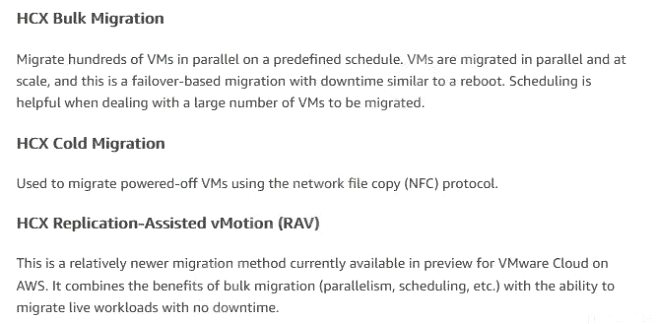
An administrator is tasked with migrating workloads from one of the company's primary data centers to VMware Cloud on AWS. The migration of these workloads must meet the follow criteria: Must have zero downtime

Must be organized based on service-level agreement (SLA)

Should not communicate with the on-premises gateway

Which three VMware HCX features would meet these requirements? (Choose three.)

Select all that apply, then click Submit answer.

  • Mobility Optimized Networking

  • Replication-Assisted vMotion

  • Network Extension

  • Bulk Migration

  • Mobility Groups

  • Application Path Resiliency

Question 2

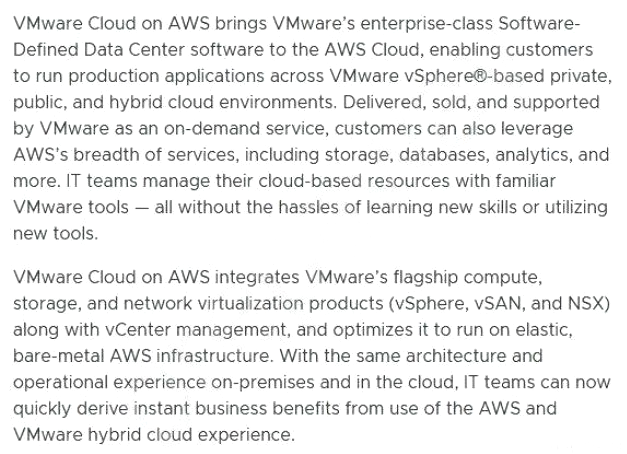
What are three benefits of using VMware Cloud on AWS? (Choose three.)

Select all that apply, then click Submit answer.

  • With VMware Cloud on AWS, IT teams can manage their VMware Cloud on AWS resources with familiar VMware tools.

  • With VMware Cloud on AWS, IT teams can manage their native AWS resources with familiar VMware tools.

  • VMware Cloud on AWS supports optimized virtual AWS Elastic Compute Cloud (EC2) instances.

  • Native VMware workloads can be migrated back and forth between on-premises VMware vSphere environments and VMware Cloud on AWS.

  • With VMware Cloud on AWS, VMware and AWS administrators will manage, maintain and update all virtual machines.

  • Native AWS services can be consumed over the global AWS backbone with high bandwidth and low latency.

Question 3

An environment is running a VMware Cloud on AWS software-defined data center (SDDC) with six i3.metal hosts. Storage space usage has increased and the administrator is required to add storage capacity. Which two approaches can the administrator take to add storage capacity? (Choose two.)

Select all that apply, then click Submit answer.

  • Deploy Amazon Elastic File System (EFS) file shares from the AWS console and attach them to the i3.metal hosts. Use VMware Storage vMotion to migrate the storage-bound virtual machines to the Amazon EFS data stores.

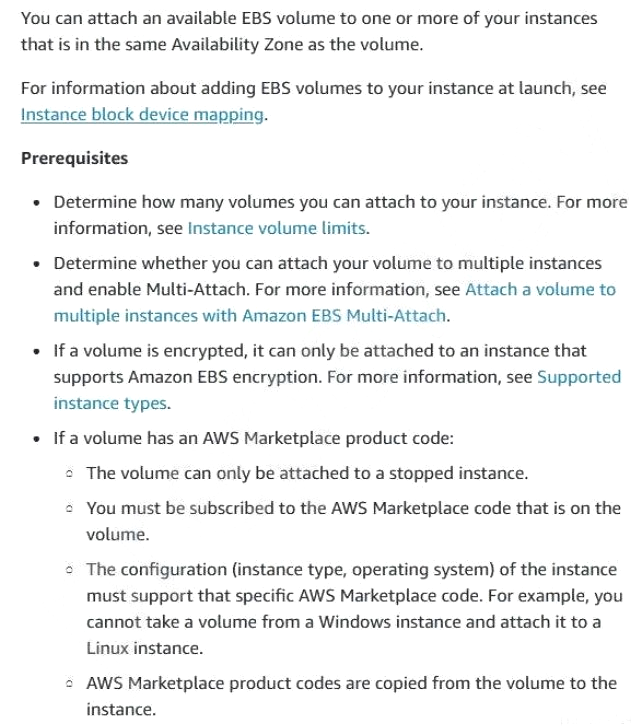
  • Deploy Amazon Elastic Block Store (EBS) storage volumes (GP2) from the AWS console and attach them to the i3.metal hosts. Allow VMware vSAN extend the storage capacity automatically.

  • Deploy an additional cluster based on i3en.metal hosts and migrate the storage-bound virtual machines to the i3en.metal hosts.

  • Add additional i3.metal hosts to increase the total vSAN storage space.

  • Add additional i3en.metal hosts and migrate the storage-bound virtual machines to the i3en.metal hosts.