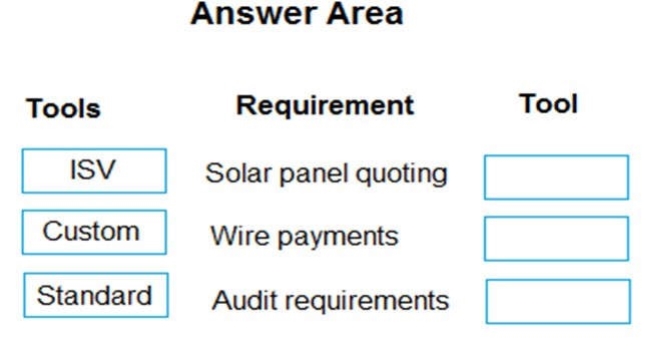
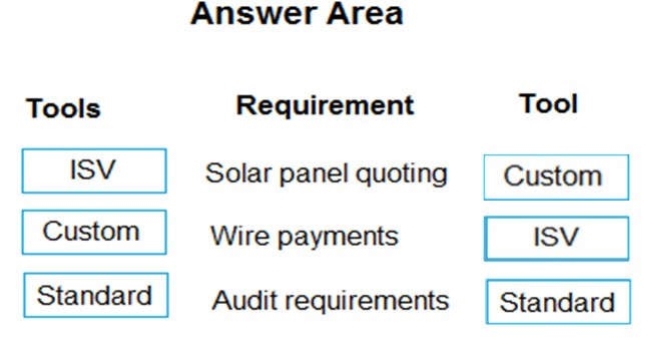
You need to recommend solutions for City Power and Light’s new system.
What should you recommend? To answer, drag the appropriate tools to the correct requirements. Each tool may be used once, more than once, or not at all. You may need to drag the split bar between panes or scroll to view content.
NOTE: Each correct selection is worth one point.
Select and Place:
Answer is in the explanation below.
Reference / correct answer:
Question 2(Mixed Questions)
DRAG DROP
A company is implementing Dynamics 365 Supply Chain Management. The company has 11 legal entities. Each entity uses a separate enterprise resource planning (ERP) system. A customer may have a unique customer number in each system because the systems are disconnected. One of the customer numbers will be used as the master number in Dynamics 365.
The company plans to add entities to Supply Chain Management over time. Customer records will continue to be added to the ERP systems throughout the implementation lifecycle and must be kept up to date. The ERP systems will be decommissioned after go-live.
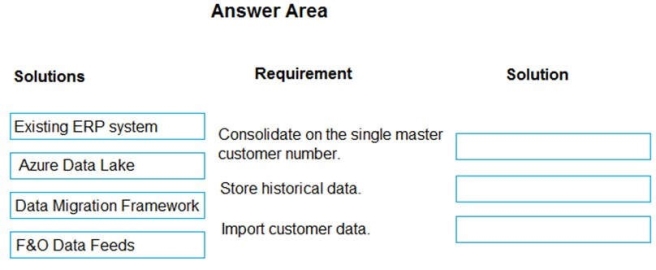
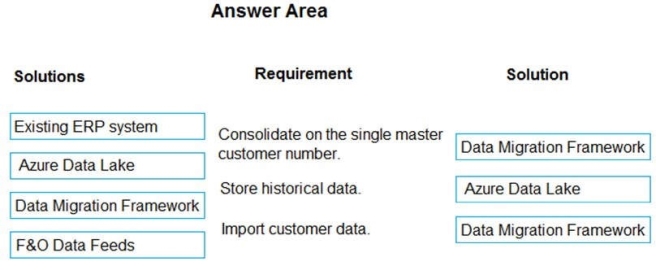
You need to create a strategy to migrate the customer data and ensure that new records are automatically mapped.
Which solution should you implement for each requirement? To answer, drag the appropriate solutions to the correct requirements. Each solution may be used once, more than once, or not at all. You may need to drag the split bar between panes or scroll to view content.
A company uses Dynamics 365 Supply Chain Management.
A user reports an error on a transaction in the production environment that occurred 30 days ago.
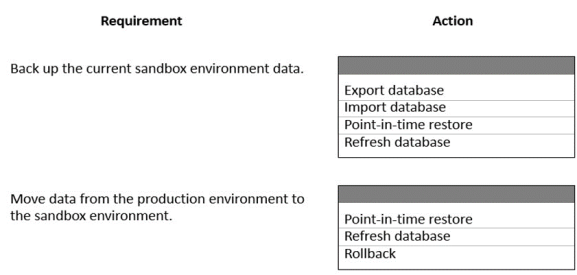
You need to move the current data from the production environment to the sandbox environment to troubleshoot the transaction error. You must back up the sandbox environment before you copy data to the production environment.
What should you do? To answer, select the appropriate options in the answer area.
NOTE: Each correct selection is worth one point.
Answer is in the explanation below.
Reference / correct answer:
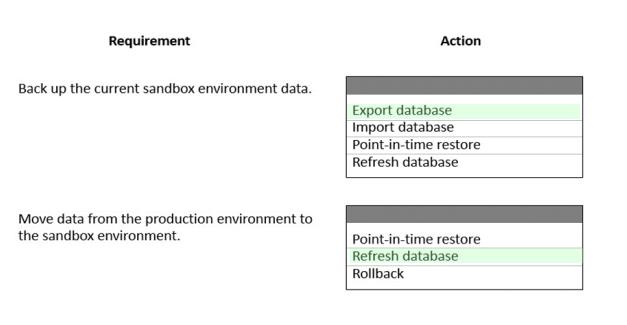
Box 1: Export database
Export a database
Dynamics Lifecycle Services (LCS) to export a database from a sandbox user acceptance testing (UAT) environment to the Asset library.
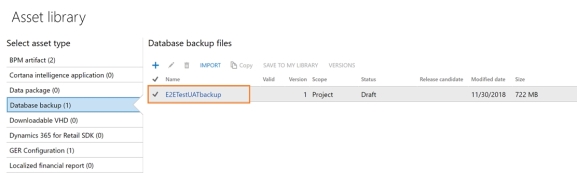
After the export operation completes successfully, sign out of the servicing operation on your Environment details page. You can then see the asset in your Asset Library in the Database backups section.
The .bacpac files are stored here and can be manually downloaded to your Tier 1 developer environments for import.
Box 2: Refresh database
Refresh database
You can use Microsoft Dynamics Lifecycle Services (LCS) to perform a refresh of the database to a sandbox user acceptance testing (UAT) environment. A database refresh lets you copy the transactional and financial reporting databases of your production environment into the target, sandbox UAT environment. If you have another sandbox environment, you can also copy the databases from that environment to your target, sandbox UAT environment.