HOTSPOT
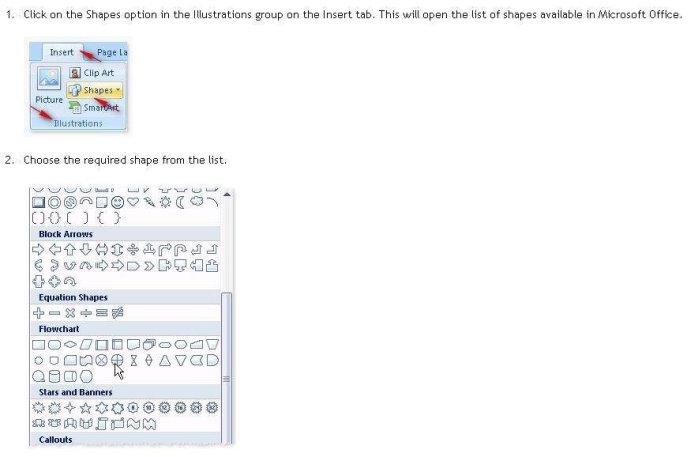
You work as a Sales Manager for Rainbow Inc. You are working on a report in a worksheet in Excel 2010. You want to insert flow-chart in the sheet. Mark the option that you will choose to insert flow- chart symbols in the report. In order to accomplish the task, you will have to choose the Shapes option. Shapes are simple objects provided by Microsoft Office to add them to a document. A single shape or combined multiple shapes can be inserted in the document. The Office includes simple shapes, such as lines, basic geometric shapes, arrows, equation shapes, flowchart shapes, stars, banners, and call outs. Users can add text, bullets, numbering, and Quick Styles to these shapes after inserting them in the document. Take the following steps to add a shape in a document:
Hot Area:

Answer is in the explanation below.